A character. Brought to light.
Shape the shadow, depth, and backlight. Direct the light around your character with MingToon.
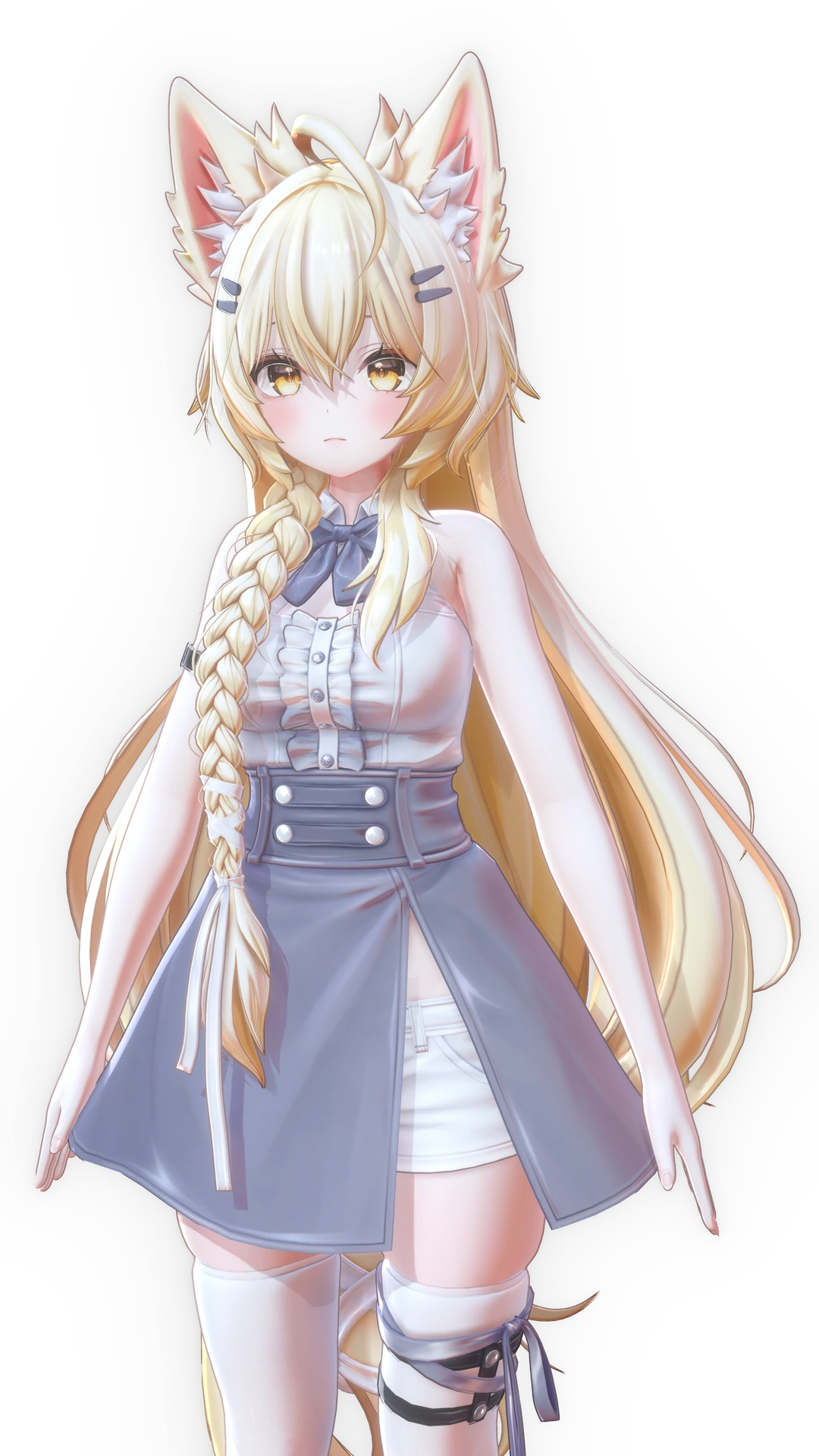
One face. A new light direction.
A change in direction gives the shadows a different expression. Explore the difference in five captured photographs.
↔Move across the photograph or choose a shot below.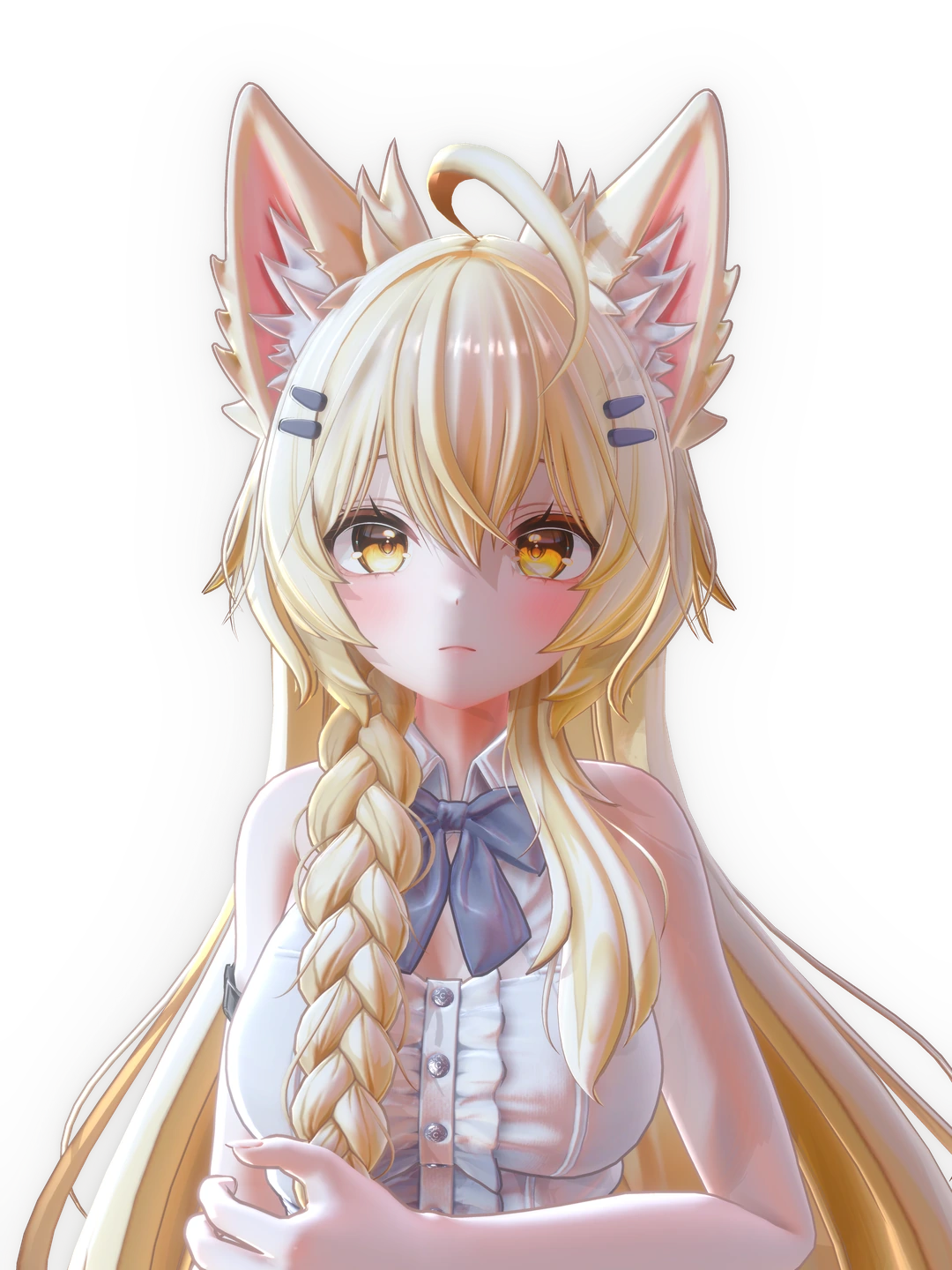
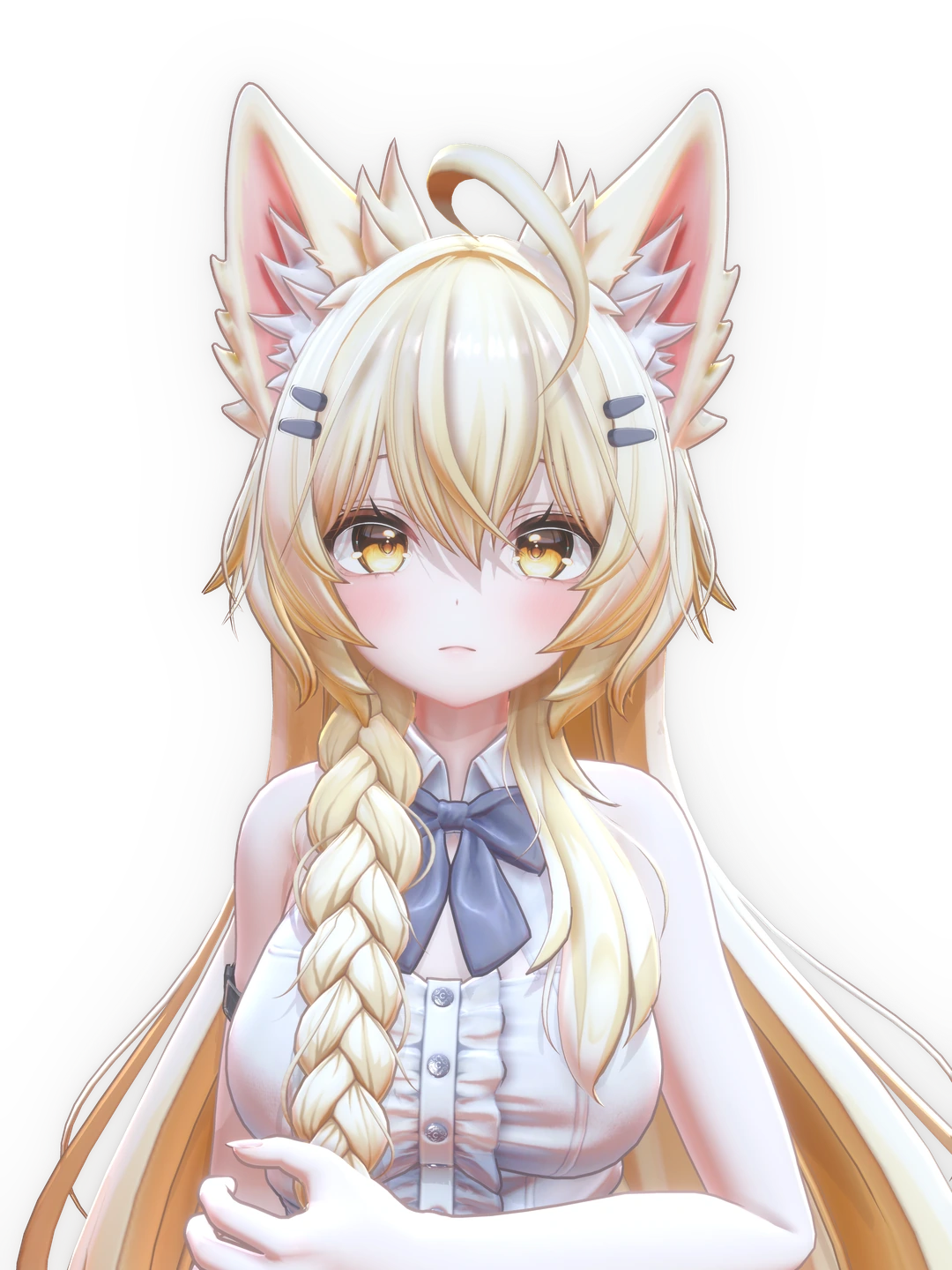
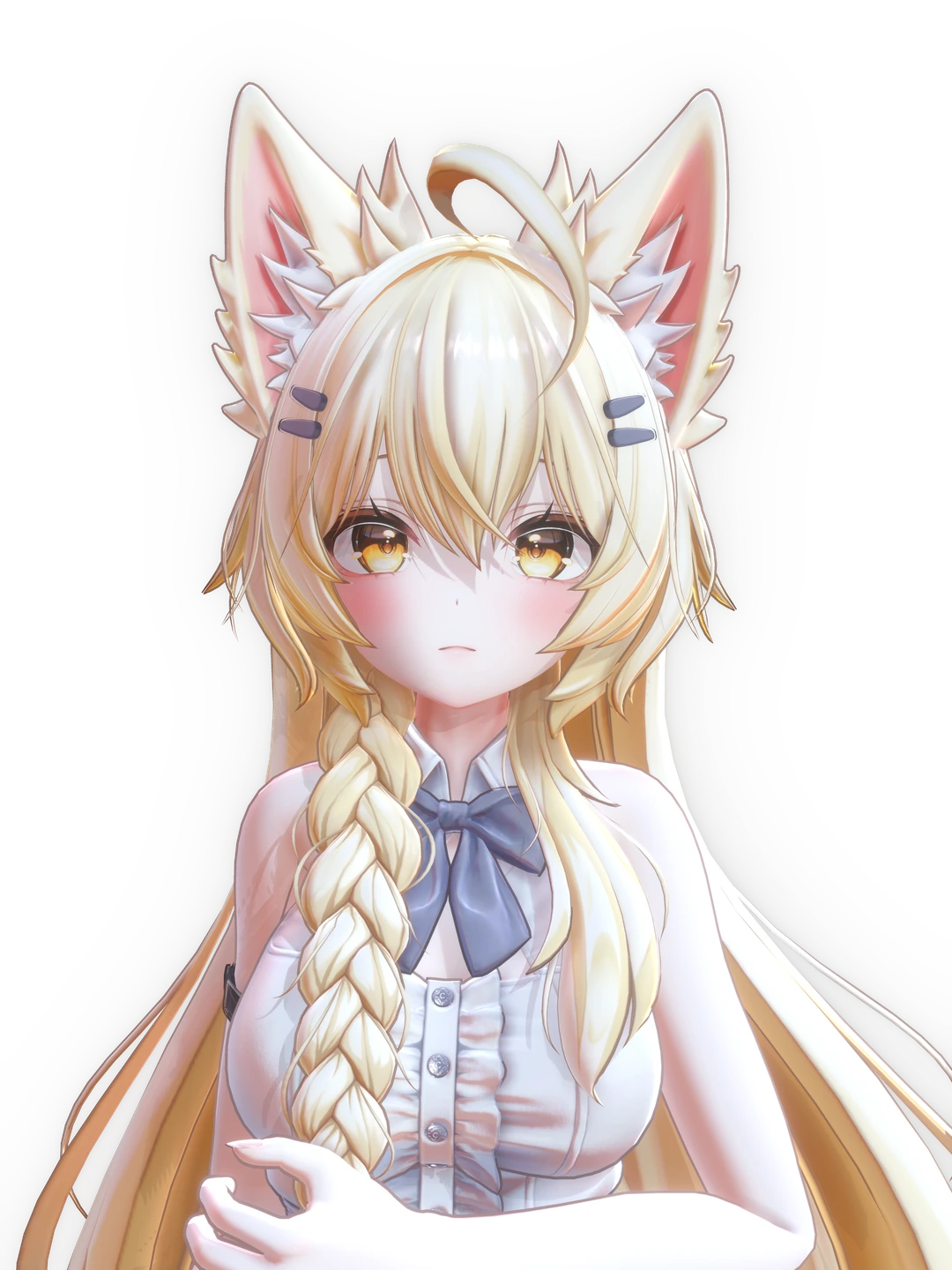
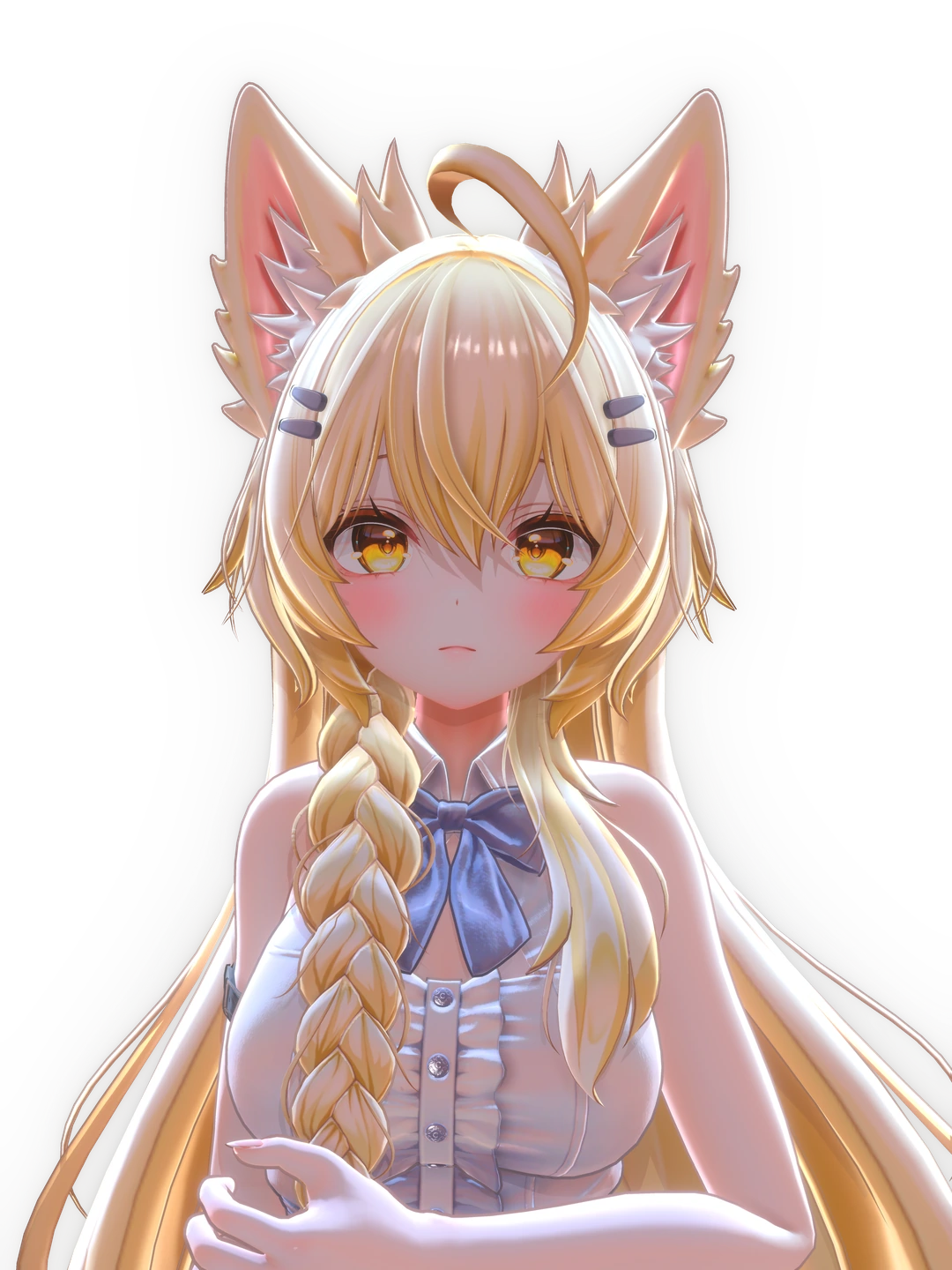
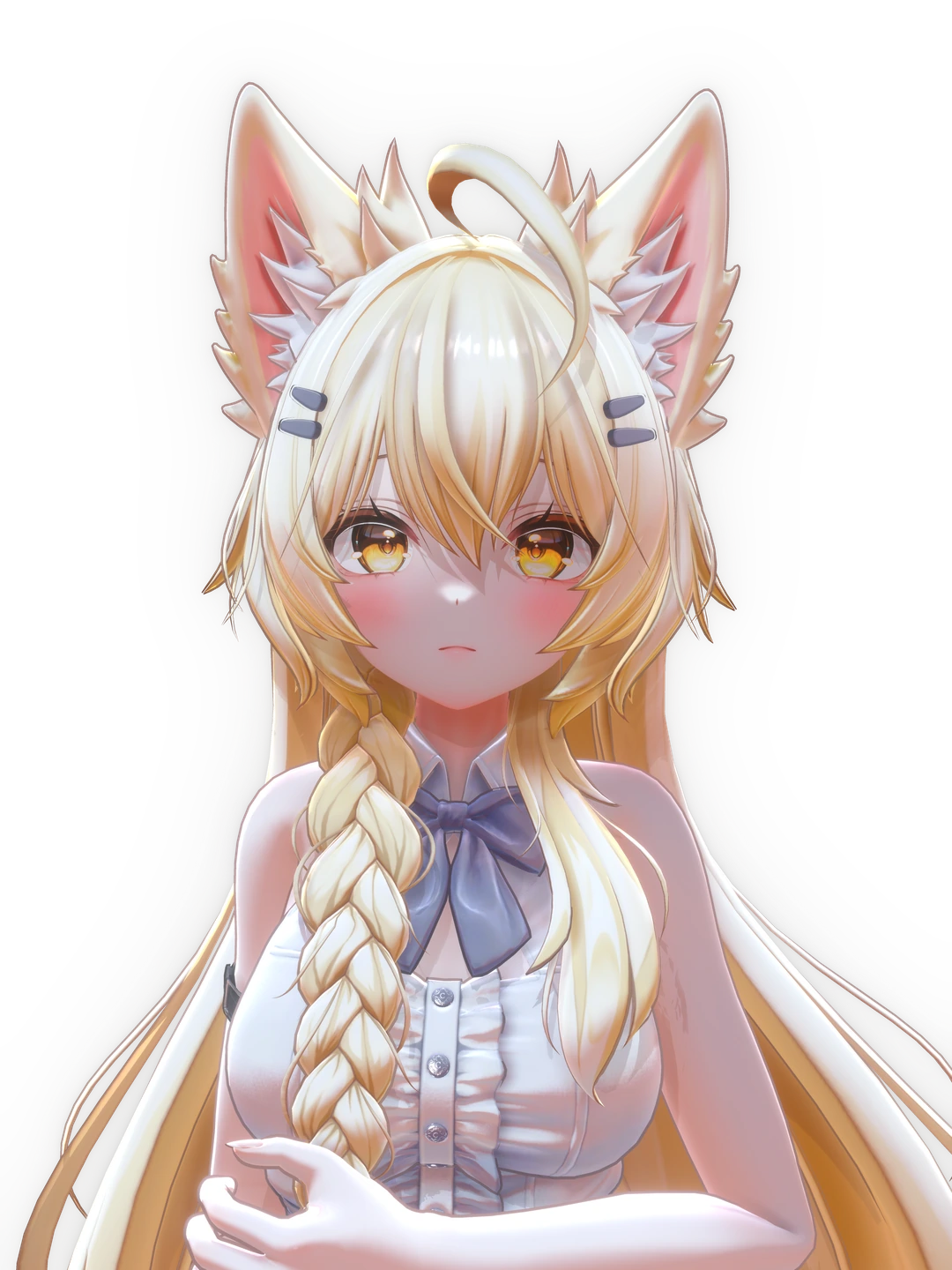
Mayo / まよ · Chocolate rice ↗Photography · StudioRaming
Small details. A new expression.
The same character, in the same frame. Move the divider to compare light and shadow before and after MingToon.
↔Compare with your pointer or arrow keys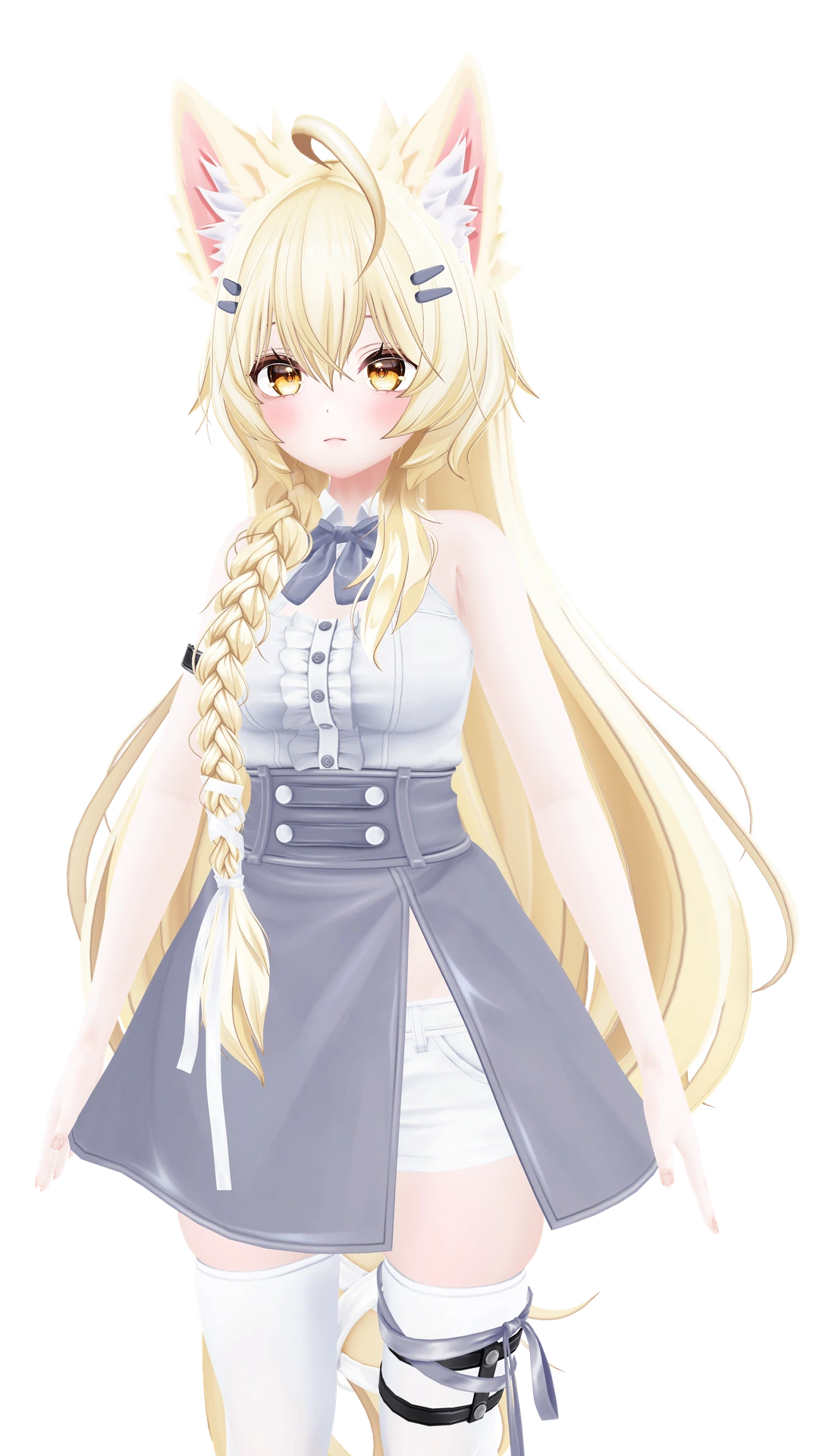
Mayo / まよ · Chocolate rice ↗Photography · StudioRaming
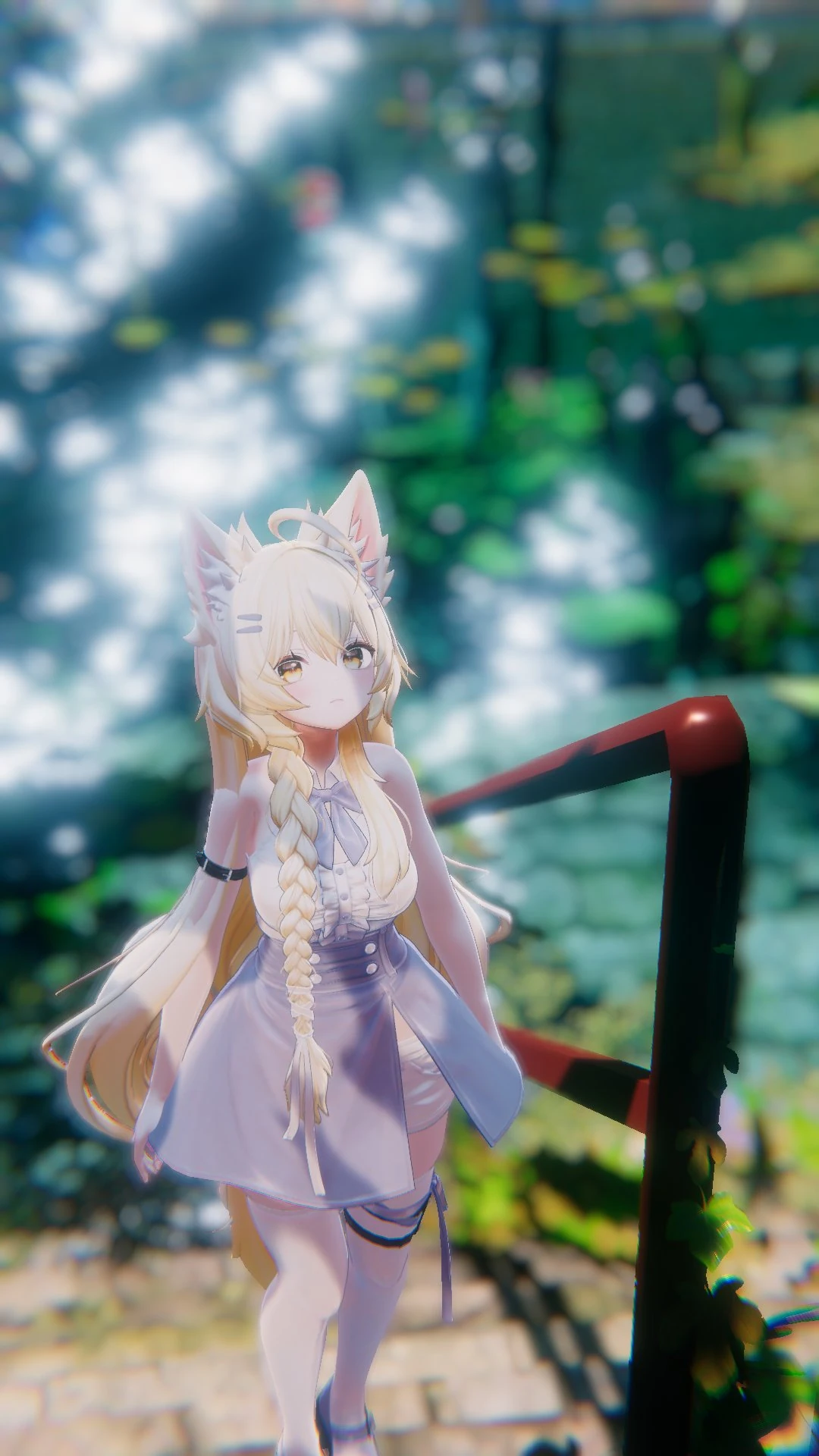
Where the light settles.
Characters and light, captured by StudioRaming.
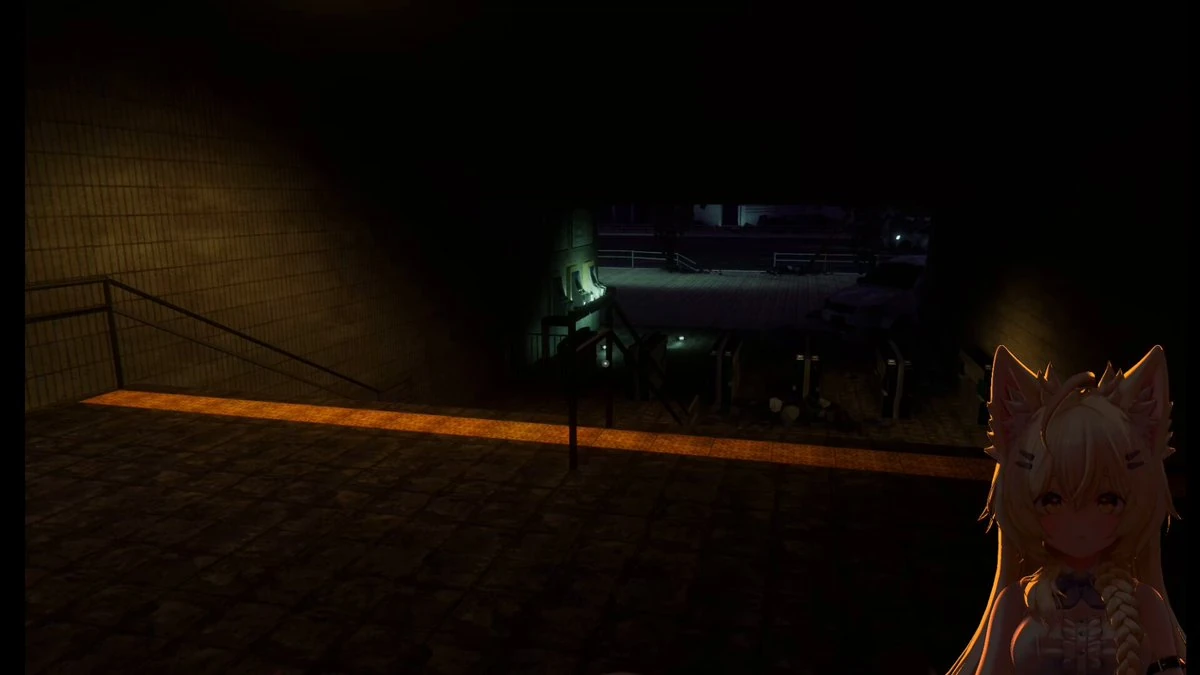
Behind the expression.
Notes on studying shadows and shaping character expression.
All posts↗More room to create.
Ming Light Controller
The official avatar lighting controller. Free during Open Beta, paid from Early Access, and included in Personal Streaming and Creator Founders Editions.
MingToon URP Add-on
In preparation as a standalone paid add-on to the BRP core. Every commercial license includes the URP version.
For the way you create.
Every commercial license includes the URP version. All commercial use is prohibited during Open Beta. Commercial license sales begin at Early Access.
Your character. The next scene.
Start exploring character lighting with MingToon Open Beta.
Join Open Beta ↗